
A website redesign checklist helps you decide what needs to change, protect what already works, and launch with fewer surprises. Before choosing a new theme or color palette, take a step back: can visitors understand your offer, find what they need, and contact you easily?
A successful redesign starts with those questions. This practical guide from Invorime Solutions walks through the decisions, content checks, and launch tests that help turn a visual refresh into a useful business improvement.
Does your business need a website redesign?
An old design alone does not always justify a rebuild. Look for specific problems: your services have changed, important information is hard to find, the mobile experience is awkward, or updating content requires too much effort. Customer questions and support requests can reveal gaps that analytics alone will not explain.
Sometimes a focused update is enough. Rewriting a confusing service page or repairing a form may solve the immediate issue. A broader redesign makes more sense when navigation, content, visual identity, and the underlying platform all need coordinated changes.
1. Set goals before choosing a design
Write down the main job of your website. For a service business, that might be generating relevant enquiries. For a store, it could be helping customers find suitable products and complete checkout. Pick a primary action for each important page.
Record a baseline before making changes. Useful measures include completed enquiries, booking requests, successful purchases, and the questions customers ask before buying. Review results in context: a change in traffic source or season can affect performance even when the website stays the same.
2. Audit your content, navigation, and mobile experience
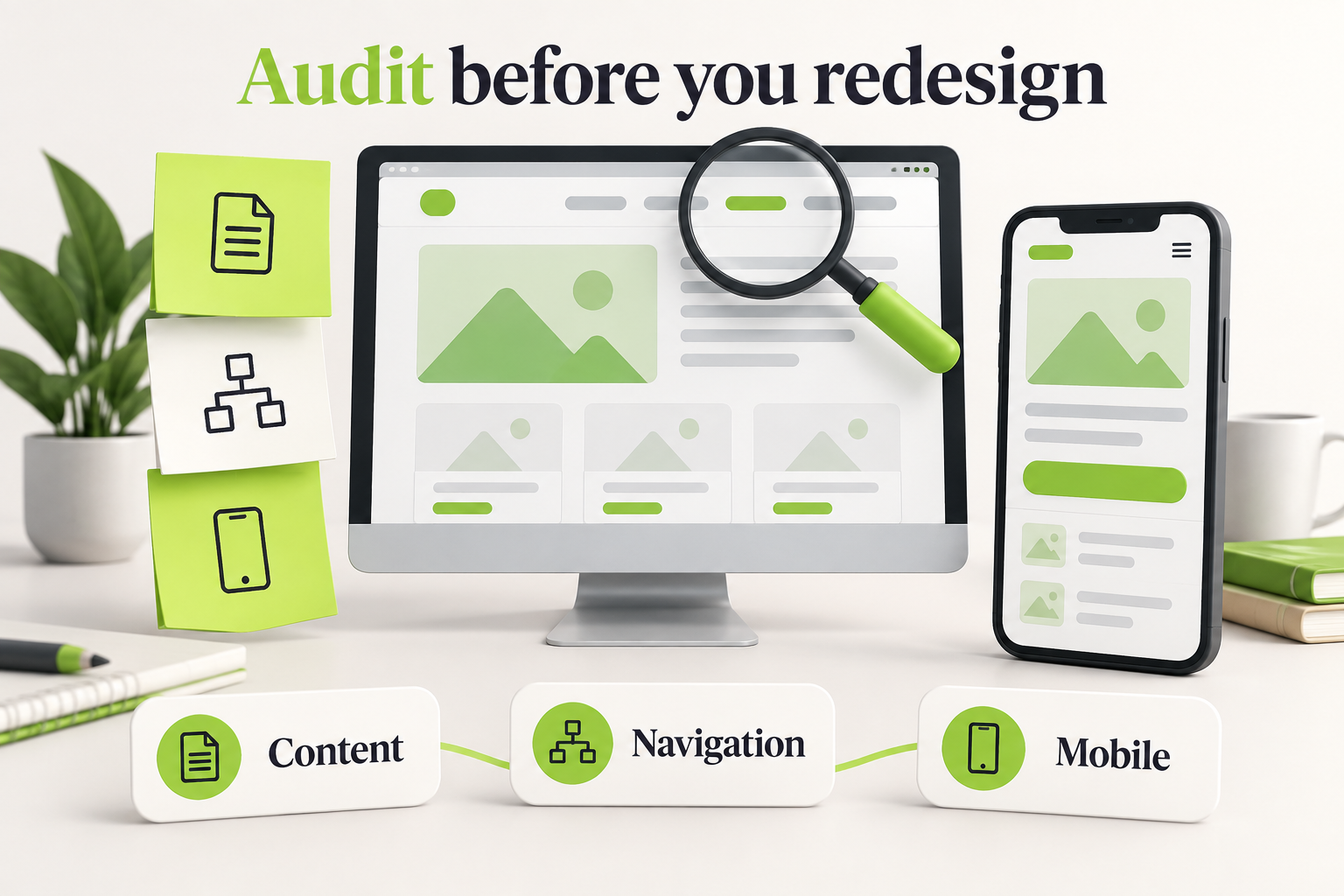
Create a list of your current pages. For each one, record its purpose and decide whether to keep, improve, merge, or remove it. Preserve useful service explanations, case studies, and frequently asked questions instead of starting every page from scratch.
Next, try a few realistic tasks on a phone: find a service, understand what is included, locate contact details, and send an enquiry. Note confusing labels, overlapping elements, tiny buttons, and unnecessary steps. Ask someone unfamiliar with your business to try the same tasks.
- Check that service descriptions reflect your current offer.
- Replace outdated team details, examples, and contact information.
- Identify duplicated pages and missing customer questions.
- Confirm who will approve copy and supply new images.
- Assign a named owner to every page that needs work.
3. Plan a clear page structure
Group information around what customers are trying to do. Use familiar navigation labels and make important service pages easy to reach. A visitor should not have to understand your internal company structure to find the right information.
Sketch the page structure before polishing visual details. A service page might introduce the problem, explain your approach, show relevant work, answer common questions, and offer a clear next step. Review that sequence against the customer’s needs.
Looking for visual direction? Explore Invorime Solutions’ projects and identify the layouts or presentation styles that suit your content. Treat references as a starting point for discussion, rather than a template to copy blindly.
4. Define the design and development scope
Agree on the pages, unique layouts, and features included in the project. A simple contact form and a multi-step quotation tool require different amounts of work. Document connections to booking tools, email platforms, payment providers, or a CRM.
Also decide who handles copywriting, photography, content migration, and training. Set review milestones and consolidate feedback through one decision-maker. A clear process reduces contradictory requests and helps keep the work moving.
For budgeting, read our guide to professional website costs in 2026. Compare complete scopes and recurring costs rather than relying only on a headline build price.
5. Protect existing pages and search visibility
Keep useful URLs when there is no good reason to change them. If a page needs a new address, create an old-to-new URL map before launch. Redirect each moved page to its relevant replacement instead of sending every old link to the homepage.
Google’s guidance on site moves explains URL mapping, redirects, and monitoring during a migration. Search visibility can fluctuate while changes are processed, so a redesign should include a monitoring plan rather than a ranking guarantee.
- Review page titles, meta descriptions, and heading structure.
- Update internal links to point directly to the intended pages.
- Check that important public pages can be indexed after launch.
- Verify the sitemap and inspect unexpected missing-page errors.
- Retain useful content and record significant URL changes.
6. Include accessibility and usability checks
Check whether people can navigate with a keyboard, see which element has focus, and understand form labels and errors. Review text contrast, heading order, and image descriptions. Avoid putting essential information only inside an image.
The W3C Web Accessibility Initiative’s Easy Checks offers a practical starting point. These checks cover selected issues; they are not a complete accessibility evaluation. Include deeper testing when your project requires it.
Test the design with real content. A layout that looks good with a short sample heading may break when a service name wraps onto three lines. Long names, form errors, empty states, and smaller screens all deserve attention.
7. Complete a website redesign launch checklist
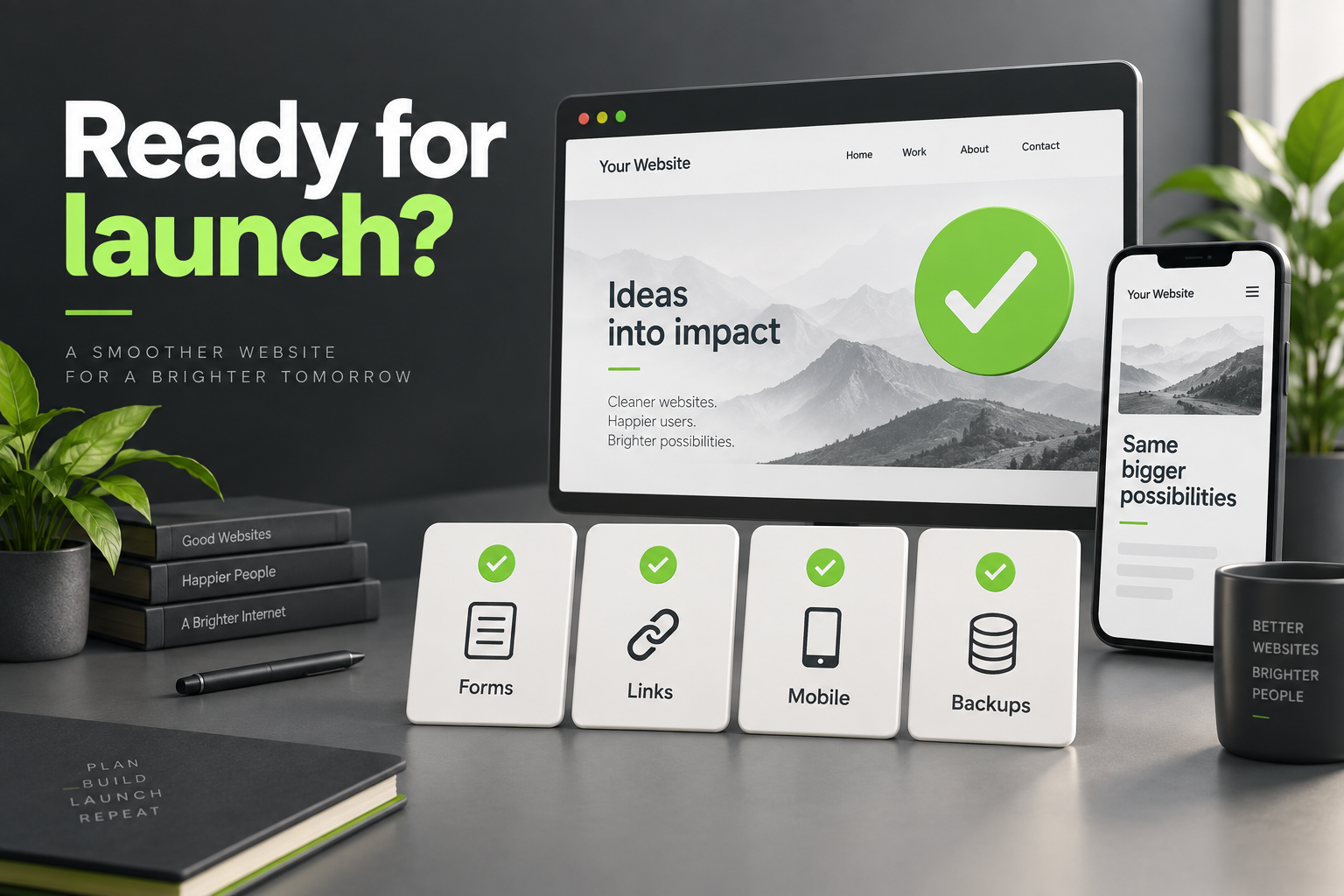
Review the finished site in a staging environment, using representative desktop and mobile devices. Give each issue an owner and decide which problems must be resolved before launch. Keep a backup and a clear recovery plan.
- Forms: submit test enquiries and confirm delivery, confirmation messages, and error handling.
- Links: check navigation, buttons, downloads, phone numbers, and email links.
- Mobile: inspect menus, text wrapping, images, and touch controls.
- Transactions: test applicable booking or checkout flows using the provider’s appropriate test setup.
- Content: remove placeholder text and verify contact details, spelling, and image permissions.
- Search: test planned redirects and check public-page indexing settings.
- Measurement: verify agreed analytics events and applicable consent behavior.
- Operations: confirm backups, account ownership, access, and the person responsible for launch support.
8. Plan the first month after launch
Launching is the start of a review period. Monitor enquiries, important customer journeys, broken links, and reported problems. Compare performance with your baseline while allowing for changes in marketing activity and traffic quality.
Keep a prioritized improvement list. Fix a broken form before adjusting a decorative animation. Schedule content reviews and clarify who maintains the site, renews licences, and handles future changes.
Frequently asked questions
How often should a business redesign its website?
Use business needs and evidence rather than a fixed calendar. Review the site regularly, and consider a redesign when its structure, content, or platform no longer supports customers or the team managing it.
Can I redesign my website without changing every page?
Yes. A targeted refresh may be appropriate when the foundation is sound. Start with the most important customer journeys and reuse effective content and layouts where possible.
Will a redesign automatically improve SEO?
No. Clearer content and a better structure can support your search strategy, but poor migration decisions can create problems. Plan URL changes, preserve valuable content, and monitor the site after launch.
What should I prepare before contacting a web design team?
Bring your goals, current website address, main concerns, required features, brand assets, and a rough launch timeline. Include examples you like and explain why they appeal to you.
Plan your redesign with Invorime Solutions
A useful website redesign checklist connects design decisions to the needs of your business and your customers. Invorime Solutions brings together web design and development, UI/UX, and branding to help shape that experience. Explore our design and development services to see how these areas fit together.
Ready to improve your website? Contact Invorime Solutions to discuss your redesign. Share your current website and the three biggest problems you want to solve so the conversation can begin with a clear scope.